Describe your idea
Write the subject first, then add the visual style, color palette, mood, and intended use. A useful prompt might describe a geometric coffee logo, a flat editorial scene, or a coordinated set of interface icons.
Sign up for 50 free credits
Turn a text prompt into editable SVG artwork for logos, icons, posters, and illustrations.
Describe your idea, choose a style preset and aspect ratio, then select Standard or Pro SVG. Download the result or open it in the editor to adjust paths and colors.
Write the subject first, then add the visual style, color palette, mood, and intended use. A useful prompt might describe a geometric coffee logo, a flat editorial scene, or a coordinated set of interface icons.
Choose Standard SVG for 10 credits or Pro SVG for 50 credits per generation. Style presets help describe logos, posters, line icons, and illustrations. Both models return editable SVG files and are available on every plan.
Open the SVG in the editor to adjust paths and colors, or download it for your design workflow. First-time signup includes 50 free credits: 5 Standard SVG generations or 1 Pro SVG generation. Choose a paid plan when you need more credits.
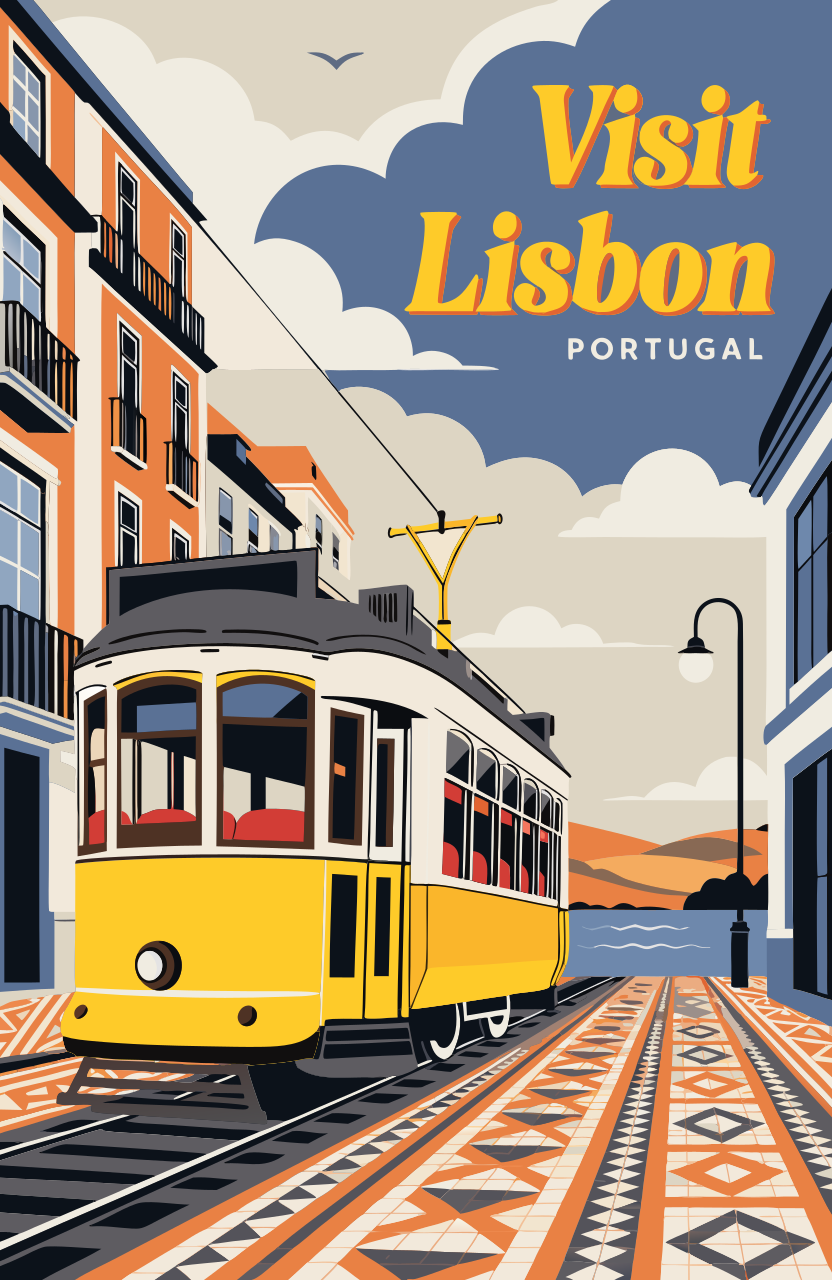
Browse SVG examples of retro posters, geometric logos, line icons, editorial scenes, travel posters, cafe icons, and botanical illustrations. Use these themes as inspiration for your own text prompt.


Free browser tools
Already have a PNG or JPG? Convert it into SVG paths in your browser, preview the result, and download it. These tools trace existing images; use the AI generator to create new artwork from text.
Convert JPG logos, graphics, and illustrations into editable SVG paths.
Open toolConvert PNG and JPG images into SVG paths in your browser.
Open toolConvert PNG or JPG images to SVG with a quick, simple workflow.
Open toolCreate editable SVG paths from logos, icons, and transparent PNG artwork.
Open toolGenerate editable SVG artwork from text, choose a style preset and aspect ratio, and adjust paths and colors in the browser editor. Every plan lets you choose Standard or Pro SVG for each generation.
Describe the subject, palette, composition, and intended use instead of drawing every path by hand. Choose a preset for a logo, poster, icon set, or illustration, then adjust the prompt to explore another direction.
Create SVG artwork for client work, websites, presentations, social campaigns, and merchandise, subject to the rights of the prompt content and any referenced brands or characters.
Every generation returns an SVG file. Open it in the editor to adjust paths and colors, or download it for Adobe Illustrator, Figma, Affinity Designer, or Inkscape. The separate conversion tools turn existing PNG and JPG artwork into SVG paths.
Choose square, landscape, portrait, or wide formats before generation so the first composition already fits its intended placement.
Select a model on the creation page for each generation. Standard uses 10 credits and Pro uses 50; both return editable SVG. Plans provide different credit allowances, and you can use your balance with either model.
A strong vector asset should work in the place where you actually need it. Use the generator to explore brand directions, fill content calendars, build coordinated visual systems, and prepare illustrations that remain crisp across digital and print layouts.
Generate geometric marks, mascot directions, badges, and simple wordmark concepts from a written brand brief. Use the result to align on shape, color, and personality before a designer prepares the final identity system.
Create bold square posts, wide campaign graphics, story-friendly compositions, and repeatable illustration styles. Changing the prompt or ratio makes it easy to adapt one visual idea across several channels without stretching a raster image.
Describe a group of related actions or objects and generate icons with a consistent stroke, silhouette, and palette. Use them for early product mockups, feature callouts, category graphics, or a visual language reference for production icons.
Turn abstract topics into clear editorial scenes, diagrams, and section graphics that fit decks, reports, and pitch materials. Vector artwork remains sharp on projectors and high-density screens while keeping file preparation straightforward.
Explore sticker, shirt, tote, packaging, and event graphic directions with bold shapes that reproduce cleanly. Check the final artwork, typography, trademarks, and print requirements before sending any generated design to production.
Vector and raster files solve different design problems. Choosing the right source format early prevents blurry exports, unnecessary tracing, and time-consuming cleanup when an image needs to appear at several sizes.
SVG artwork describes shapes, lines, and fills instead of storing a fixed grid of pixels. It can scale from a small interface icon to a large sign without becoming blocky, and its paths and colors can be easier to edit in vector design software.
PNG, JPG, and WebP files store pixels at a fixed resolution. They are excellent for photographs, detailed textures, and complex shading, but enlarging a small raster can reveal blur or jagged edges. Converting one to SVG may require tracing and cleanup.
Choose monthly subscriptions or one-time credit packs for editable SVG generation. Standard uses 10 credits per generation and Pro uses 50; both models are available with every plan.
Free
One-time signup credits to try SVG creation
Starter Pack
Pay once, use your credits whenever you need
Standard Pack
Pay once, use your credits whenever you need
Pro Pack
Pay once, use your credits whenever you need
Expiring credits are used first. Subscription credits do not roll over; one-time packs never expire. Both models are available with every pack and subscription.
Clear answers about free use, SVG files, licensing, and the difference between generated vector art and ordinary raster images.
Write a prompt, choose a style and Standard or Pro, then generate an editable SVG.
Start creating